Start and stop with clear controls
Use the app, Android notification controls or Apple's ReplayKit system controls on iPhone and iPad to manage an active recording.
SCREEN RECORDER
Vidorec is a screen recorder and video editor for Android and iOS. It records the screen with microphone, eligible device audio or a supported mix, then provides practical editing tools. Recording and editing happen on your phone or tablet. You do not need a Vidorec account, and Vidorec does not add a forced watermark to a screen recording.
Available now on Google Play and the App Store.
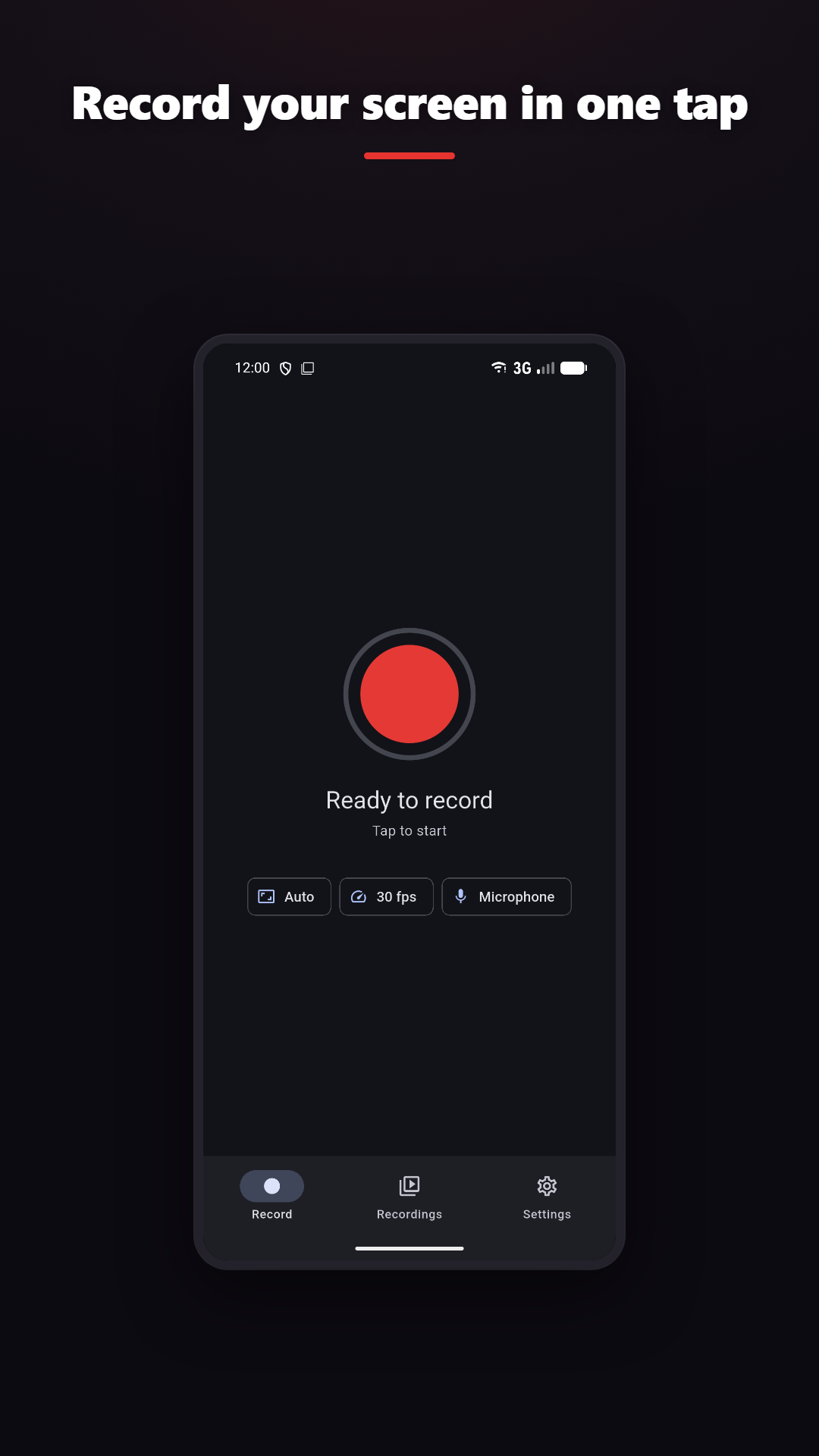
Use the app, Android notification controls or Apple's ReplayKit system controls on iPhone and iPad to manage an active recording.
Record silently, use the microphone, or capture eligible app and device audio on supported Android and iOS versions.
Trim, merge, add layers and filters, or turn a useful moment into a GIF.
Live Draw and Facecam can add visual context when the platform and your plan support them.
CLEAR LIMITS
PRIVACY
Recording and editing happen on your phone. Vidorec does not upload your recording or video file. AI captions is a separate feature and does nothing unless you start it and approve its own consent screen.
FREQUENTLY ASKED QUESTIONS
On Android 10 or newer and on iPhone or iPad with ReplayKit, eligible app or device audio can be selected when the source app and system permit capture.
No. You can make a silent recording, or use eligible device audio without the microphone. Permission is requested only when the microphone is selected.
No. Vidorec does not upload your recording, its video frames, file name or storage path to Analytics, advertising or crash reporting.
The AI captions feature starts only after you choose it and accept its separate consent screen. The app then sends only the audio track extracted from the video you selected for speech recognition. It does not send the recording file, video file or video frames.