ਰਿਕਾਰਡਿੰਗ ਸ਼ੁਰੂ ਕਰੋ
ਸੂਚਨਾ ਸ਼ੇਡ ਤੋਂ ਇੱਕ ਟੈਪ ਨਾਲ ਰਿਕਾਰਡਿੰਗ ਸ਼ੁਰੂ/ਬੰਦ ਕਰੋ
SCREEN RECORDER
ਰਿਕਾਰਡ ਕਰਨ ਲਈ ਤਿਆਰ. ਸੂਚਨਾ ਸ਼ੇਡ ਤੋਂ ਇੱਕ ਟੈਪ ਨਾਲ ਰਿਕਾਰਡਿੰਗ ਸ਼ੁਰੂ/ਬੰਦ ਕਰੋ. ਮਾਈਕ੍ਰੋਫ਼ੋਨ ਚੋਣਵਾਂ ਹੈ। ਤੁਸੀਂ ਬਿਨਾਂ ਆਵਾਜ਼ ਰਿਕਾਰਡ ਕਰ ਸਕਦੇ ਹੋ: ਸਕਰੀਨ ਰਿਕਾਰਡ ਹੁੰਦੀ ਹੈ, ਆਵਾਜ਼ ਨਹੀਂ। ਇਜਾਜ਼ਤ ਬਾਅਦ ਵਿੱਚ ਸੈਟਿੰਗਾਂ ਤੋਂ ਵੀ ਦੇ ਸਕਦੇ ਹੋ।
Available now on Google Play. The iOS release is coming soon to the App Store.
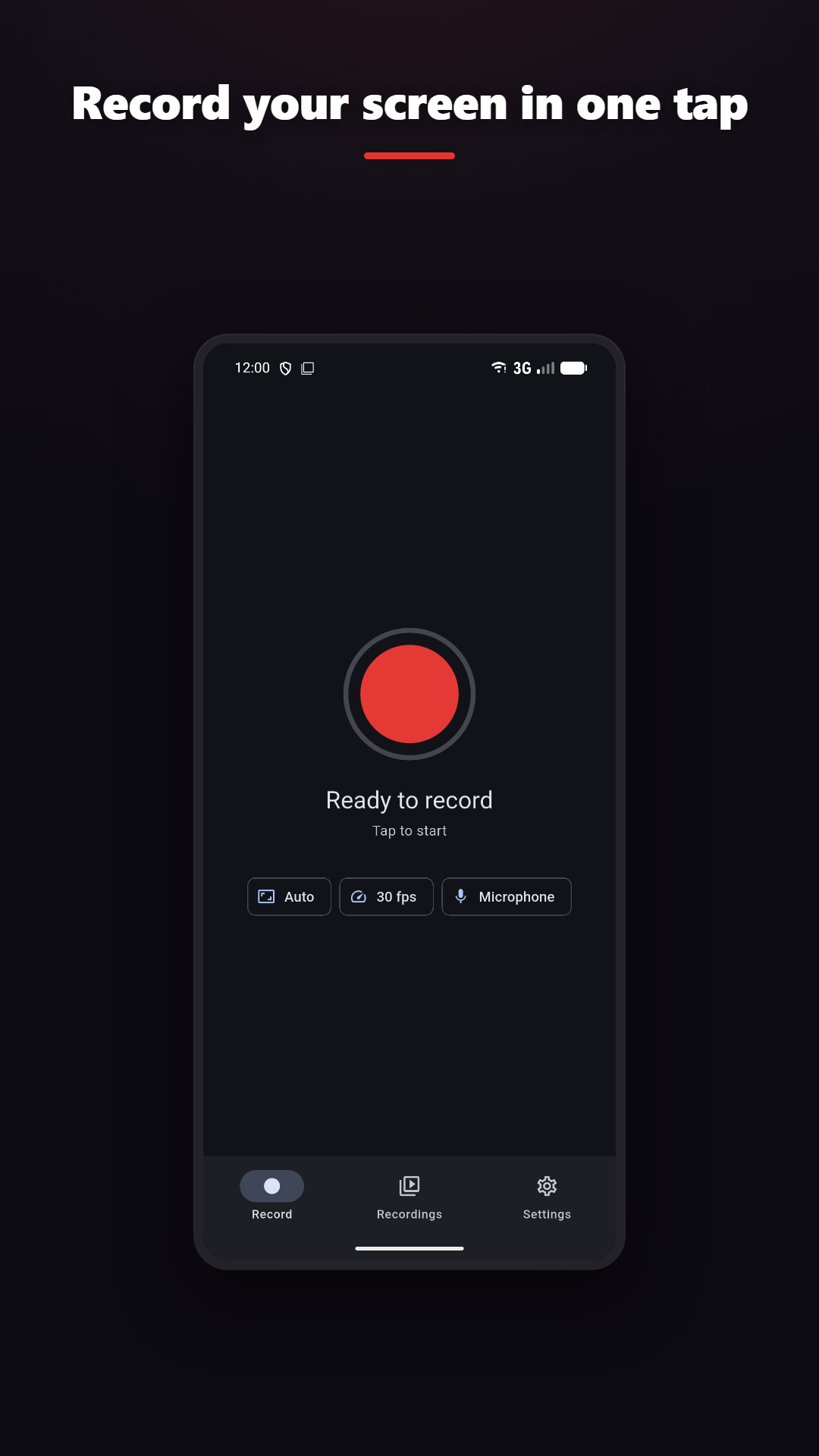
ਸੂਚਨਾ ਸ਼ੇਡ ਤੋਂ ਇੱਕ ਟੈਪ ਨਾਲ ਰਿਕਾਰਡਿੰਗ ਸ਼ੁਰੂ/ਬੰਦ ਕਰੋ
Android 10 ਜਾਂ ਨਵਾਂ ਲੋੜੀਂਦਾ
ਟ੍ਰਿਮ ਕਰੋ, ਮਰਜ ਕਰੋ, ਲੇਅਰਾਂ, ਫਿਲਟਰ, GIF
Add drawing and camera context where the platform and plan support them.
CLEAR BOUNDARIES
ਗੋਪਨੀਯਤਾ ਨੀਤੀ
Normal screen recording and video editing happen on-device. Online features such as analytics, rewarded ads, purchases, feedback, Google sign-in and AI captions are disclosed separately.