Simulan ang pag-record
Simulan/ihinto ang recording sa isang tap mula sa notification shade
SCREEN RECORDER
Handa nang mag-record. Simulan/ihinto ang recording sa isang tap mula sa notification shade. Opsyonal ang mikropono. Puwede kang mag-record nang tahimik: nare-record ang screen, hindi ang tunog. Puwede mo ring ibigay ang pahintulot mamaya sa Mga Setting.
Available now on Google Play. The iOS release is coming soon to the App Store.
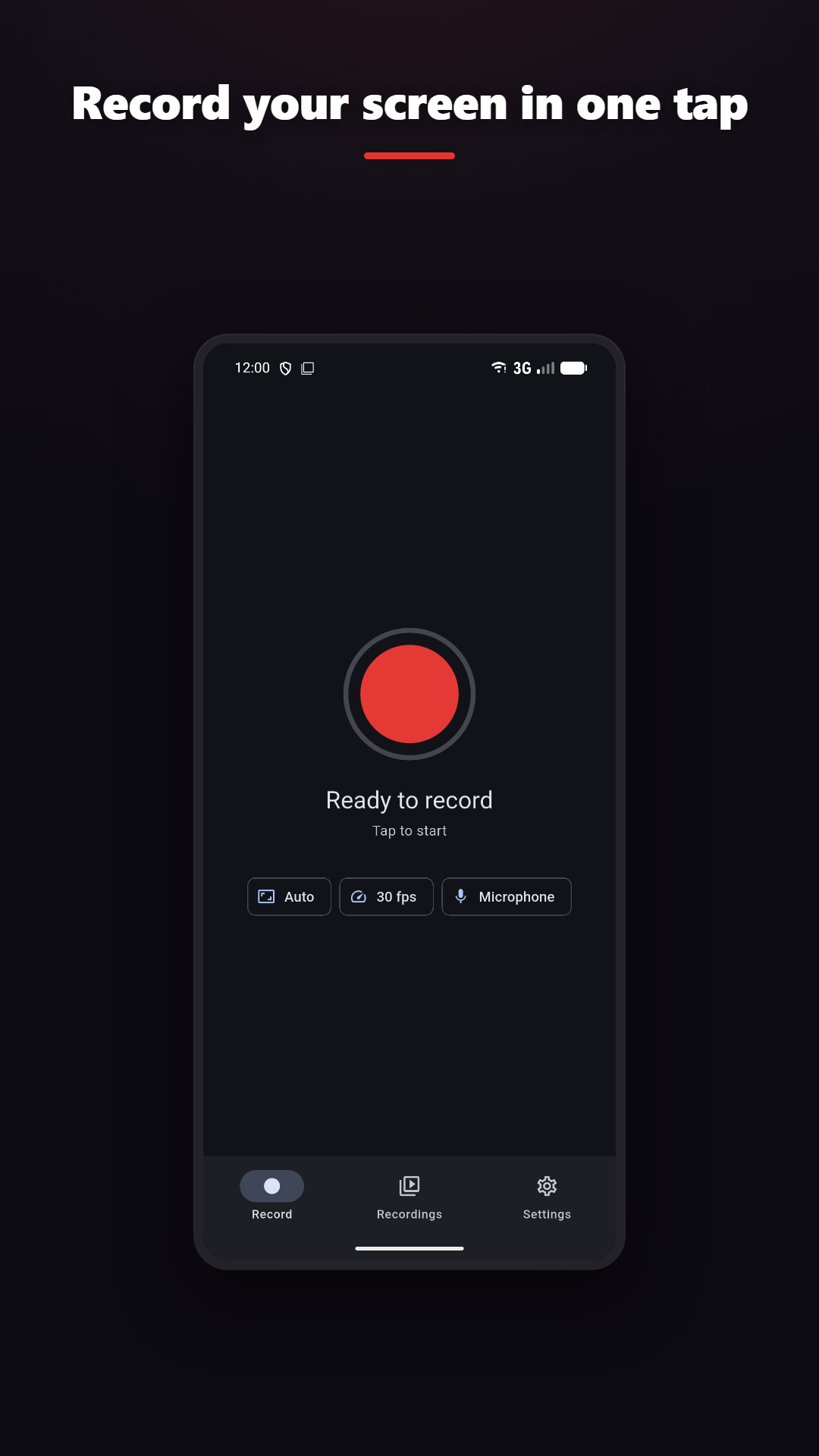
Simulan/ihinto ang recording sa isang tap mula sa notification shade
Nangangailangan ng Android 10 o mas bago
Trim, merge, layers, filters, GIF
Add drawing and camera context where the platform and plan support them.
CLEAR BOUNDARIES
PATAKARAN SA PRIVACY
Normal screen recording and video editing happen on-device. Online features such as analytics, rewarded ads, purchases, feedback, Google sign-in and AI captions are disclosed separately.