SCREEN RECORDER

屏幕录制 — Vidorec

准备录制. 在通知栏一键开始/停止录制. 麦克风是可选的。你可以静音录制:屏幕会被录制,声音不会。也可以稍后在设置中授予权限。

ANDROIDGet it on Google PlayCOMING SOONDownload on the App Store

Available now on Google Play. The iOS release is coming soon to the App Store.
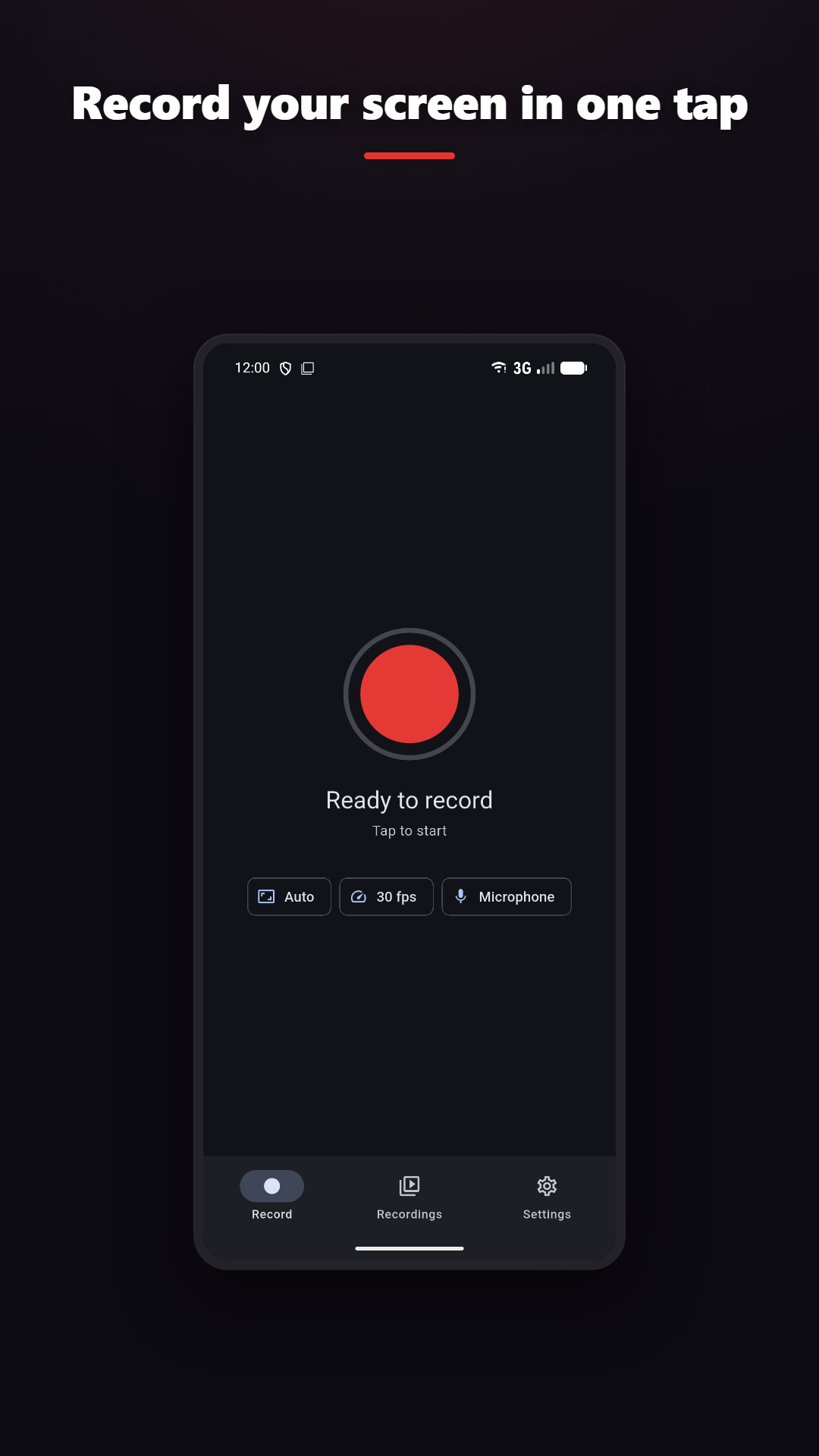
准备录制

开始录制

在通知栏一键开始/停止录制

设备音频 + 麦克风

需要 Android 10 或更高版本

编辑视频

裁剪、合并、图层、滤镜、GIF

Live draw · Facecam

Add drawing and camera context where the platform and plan support them.
屏幕录制 — Vidorec feature overview

CLEAR BOUNDARIES

What to know before recording

  • Internal audio requires Android 10 or newer; the source app can block audio capture.
  • 麦克风是可选的。你可以静音录制:屏幕会被录制,声音不会。也可以稍后在设置中授予权限。
  • High resolution, frame rate and bitrate depend on the device encoder, storage and thermal conditions.
  • iOS uses ReplayKit and system recording controls. The App Store link will appear here when the iOS release is available.

隐私政策

The same truth as the product.

Normal screen recording and video editing happen on-device. Online features such as analytics, rewarded ads, purchases, feedback, Google sign-in and AI captions are disclosed separately.

隐私政策