SCREEN RECORDER

화면 녹화 — Vidorec

녹화 준비 완료. 알림 창에서 한 번의 탭으로 녹화 시작/중지. 마이크는 선택 사항입니다. 소리 없이 녹화할 수 있습니다. 화면은 녹화되고 소리는 녹음되지 않습니다. 권한은 나중에 설정에서 허용할 수도 있습니다.

ANDROIDGet it on Google PlayCOMING SOONDownload on the App Store

Available now on Google Play. The iOS release is coming soon to the App Store.
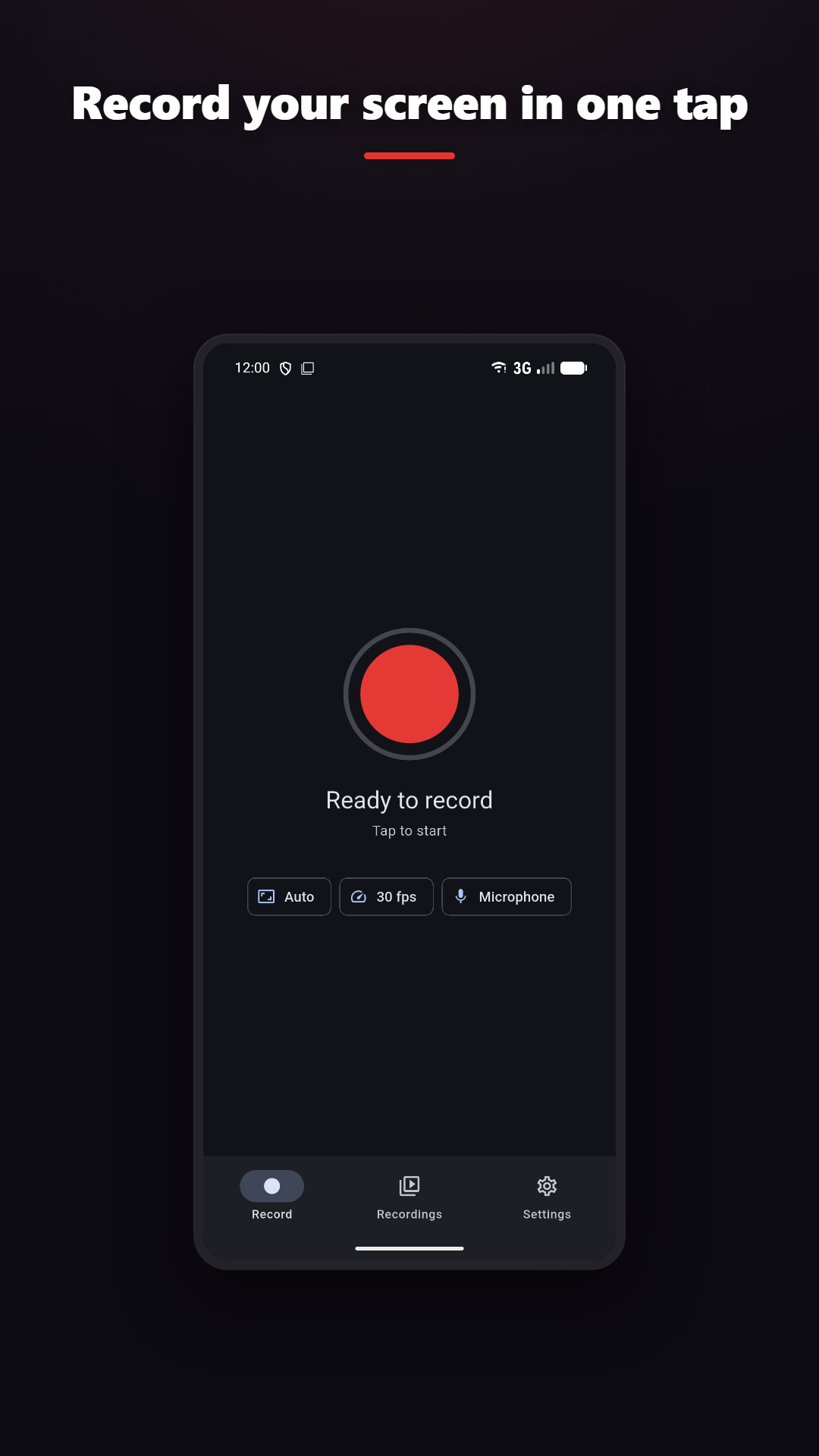
녹화 준비 완료

녹화 시작

알림 창에서 한 번의 탭으로 녹화 시작/중지

기기 오디오 + 마이크

Android 10 이상이 필요합니다

동영상 편집

자르기, 병합, 레이어, 필터, GIF

Live draw · Facecam

Add drawing and camera context where the platform and plan support them.
화면 녹화 — Vidorec feature overview

CLEAR BOUNDARIES

What to know before recording

  • Internal audio requires Android 10 or newer; the source app can block audio capture.
  • 마이크는 선택 사항입니다. 소리 없이 녹화할 수 있습니다. 화면은 녹화되고 소리는 녹음되지 않습니다. 권한은 나중에 설정에서 허용할 수도 있습니다.
  • High resolution, frame rate and bitrate depend on the device encoder, storage and thermal conditions.
  • iOS uses ReplayKit and system recording controls. The App Store link will appear here when the iOS release is available.

개인정보처리방침

The same truth as the product.

Normal screen recording and video editing happen on-device. Online features such as analytics, rewarded ads, purchases, feedback, Google sign-in and AI captions are disclosed separately.

개인정보처리방침