Spustiť nahrávanie
Spustite/zastavte nahrávanie jedným ťuknutím z panela upozornení
SCREEN RECORDER
Pripravené na nahrávanie. Spustite/zastavte nahrávanie jedným ťuknutím z panela upozornení. Mikrofón je voliteľný. Môžete nahrávať bez zvuku: obrazovka sa nahrá, zvuk nie. Povolenie môžete udeliť aj neskôr v Nastaveniach.
Available now on Google Play. The iOS release is coming soon to the App Store.
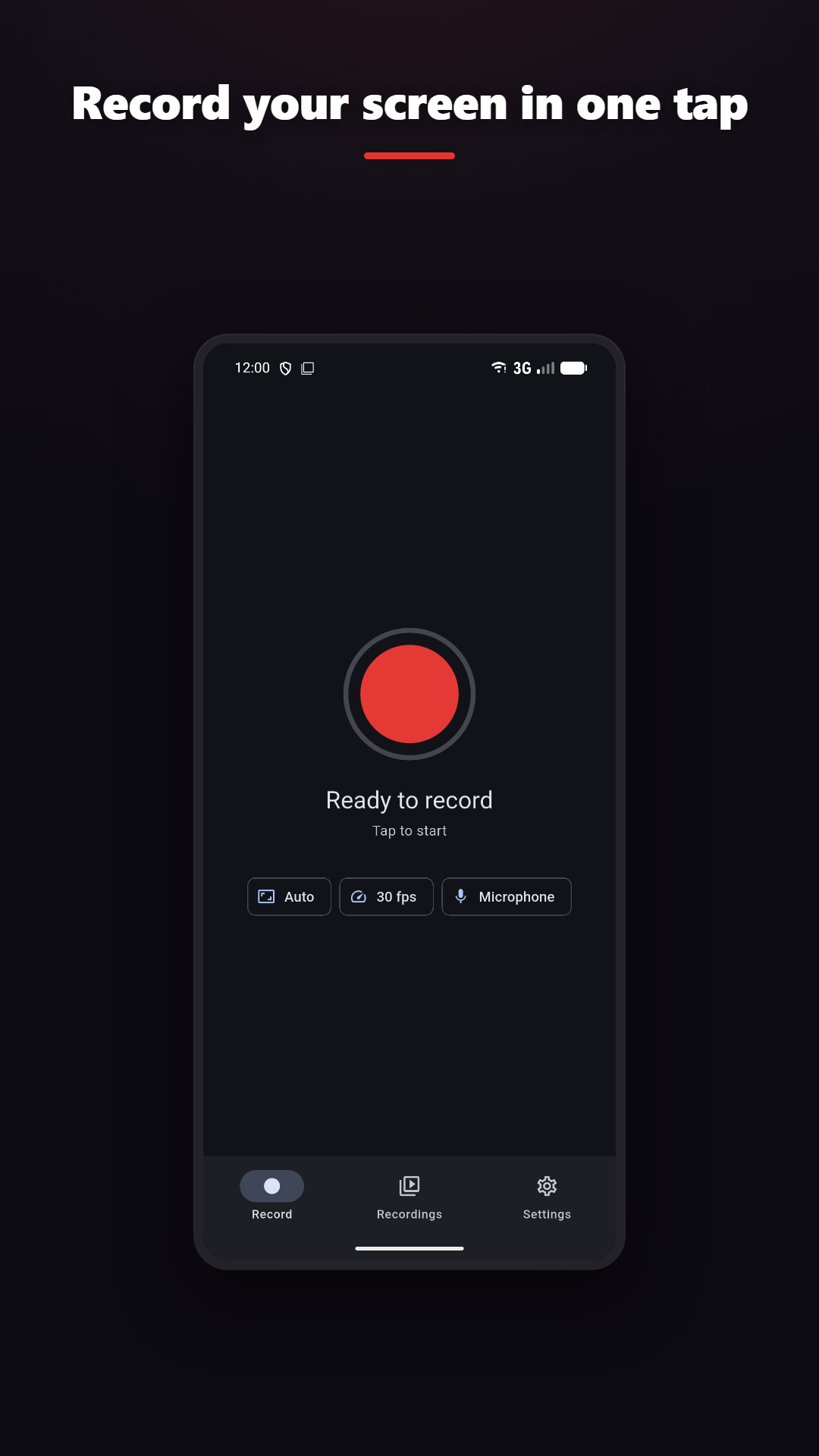
Spustite/zastavte nahrávanie jedným ťuknutím z panela upozornení
Vyžaduje Android 10 alebo novší
Orezanie, zlúčenie, vrstvy, filtre, GIF
Add drawing and camera context where the platform and plan support them.
CLEAR BOUNDARIES
ZÁSADY OCHRANY SÚKROMIA
Normal screen recording and video editing happen on-device. Online features such as analytics, rewarded ads, purchases, feedback, Google sign-in and AI captions are disclosed separately.