Zoom without stopping
Pinch to magnify the picture and pan around the frame while the video keeps playing.
VIDEO PLAYER
Vidorec is a local video player for files you choose. It adds precise pan and zoom, subtitles, alternate audio tracks, Picture-in-Picture, background playback and resume. It does not scan a media library or provide a cloud catalog. Container, codec, HDR and high-resolution support are reported according to the device's real decoding capability.
Available now on Google Play. The iOS release is coming soon to the App Store.
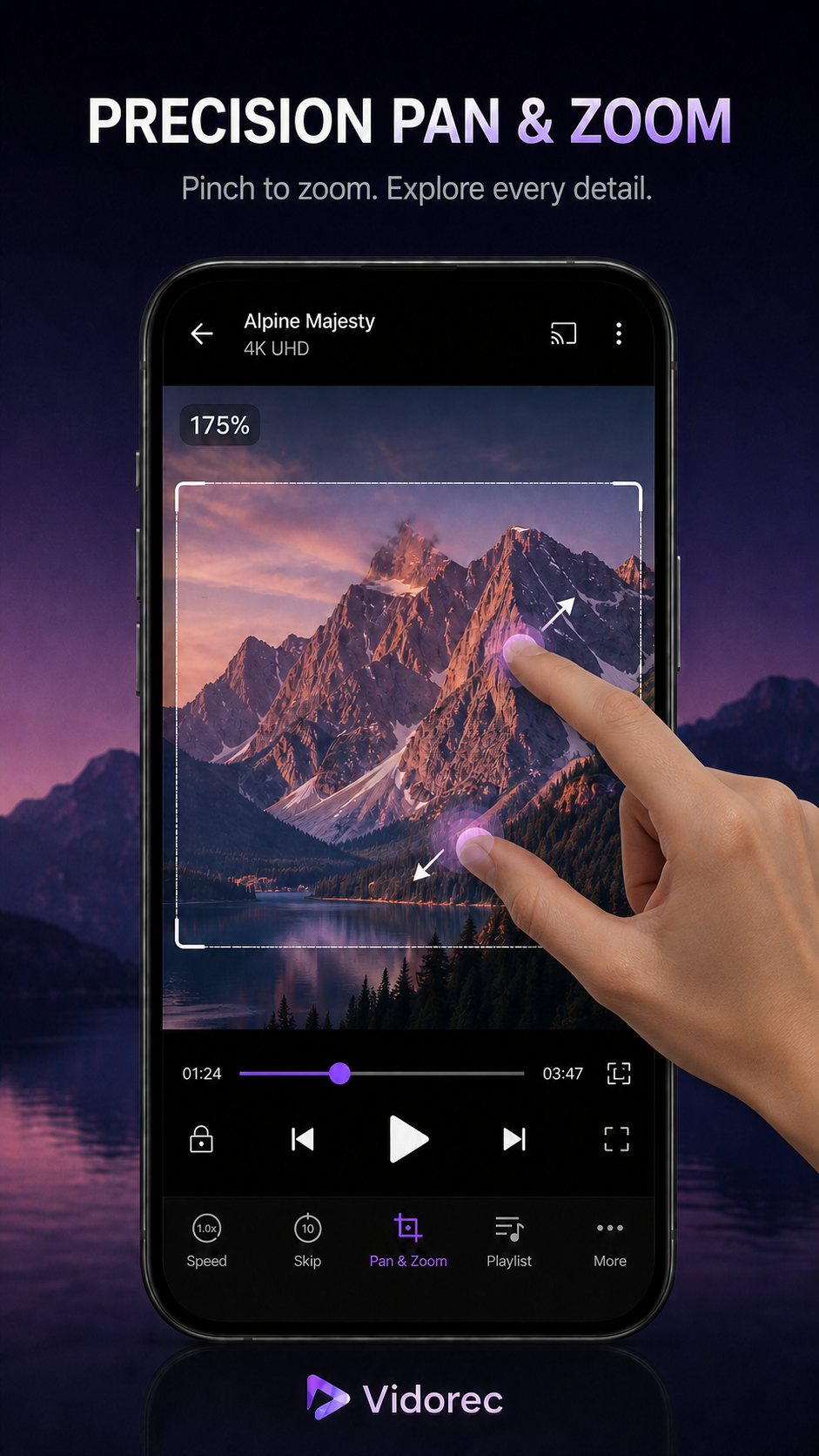
Pinch to magnify the picture and pan around the frame while the video keeps playing.
Use available subtitle files and switch between audio tracks contained in the media.
Move into Picture-in-Picture or continue supported playback in the background.
Use direct playback gestures while keeping essential controls reachable.
CLEAR LIMITS
PRIVACY
The player does not send your selected video, audio, images, thumbnails, file name, file path, content address or subtitle text to Vidorec, Analytics, advertising or crash reporting. The app has no Vidorec login and no Vidorec media cloud.
FREQUENTLY ASKED QUESTIONS
No. The video, audio, thumbnails, file name, file path, content address and subtitle text are not uploaded during local playback.
No player can promise that from the extension alone. The codecs, profile, resolution, frame rate and device decoder also determine compatibility.
Yes, when the file or an added subtitle contains supported tracks and the device can decode the media.
They are part of the general player experience where the operating system and source allow them.